A board-mount USB connector is chosen by role first — host or device — then by generation, mounting style and current class. KINGCONN publishes 5 USB 2.0 and 4 USB 3.0 Standard-A parts, 5 Mini-B parts at 0.80mm pitch and 8 Micro-B parts with profiles from 0.75mm. Contact counts follow the USB-IF specifications; every KINGCONN value comes from the part drawing.
Which receptacle belongs on your board
| Family | Catalog | Variants | Where it belongs |
|---|---|---|---|
| USB 2.0 Standard-A | 5 models | vertical SMT, 90° right-angle DIP, mid-mount | host ports, charging ports |
| USB 3.0 Standard-A | 4 models | rolled / non-rolled edge, stacked dual port | SuperSpeed host side |
| Mini-B | 5 models | 0.80mm pitch, DIP and SMT | device side of an installed base |
| Micro-B | 8 models | profiles from 0.75mm, 10-pin USB 3.0 version | device side of slim products |
The shape carries the role in USB 2.0: flat Standard-A to the host, squarer Standard-B to the device, so a host can never be cabled to a host. Type-C moved that decision to the CC pins — see the Type-C selection guide and USB connector types for the pinouts.
Mounting, retention and current
Vertical SMT saves board length; right-angle DIP takes cable side load best because the legs are in the board; mid-mount lets the enclosure be thinner at the cost of a board cut-out. For charging ports also read the current rating on the drawing rather than assuming the USB class value — the catalog includes a high-current USB 2.0 Standard-A part (7USB2-F0-A002) precisely because that value is not universal.
KINGCONN board-mount USB connectors
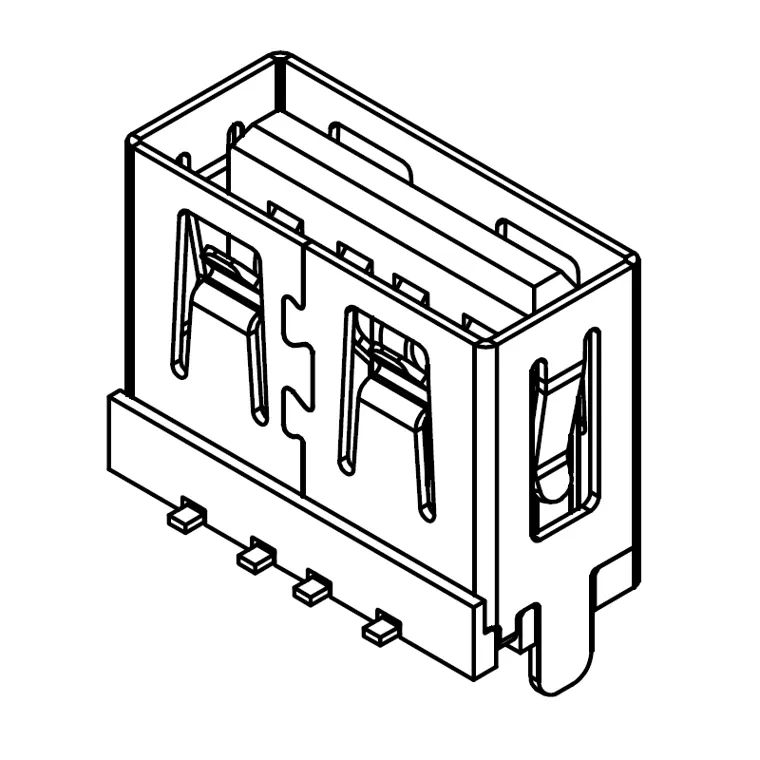 7USB2-F0-0038USB 2.0 Type-A Female Vertical SMT Connector, L=10.0mm (Without Rolled Edge)
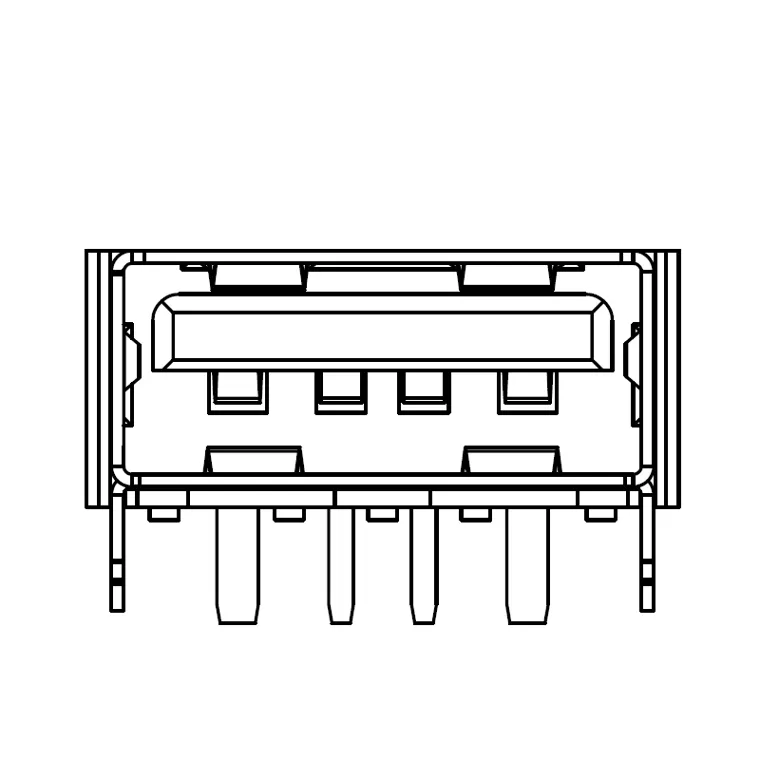 7USB2-F0-A002USB 2.0 Type-A Female Connector, L=10.0mm, H=6.5mm, High Current, Without Rolled Edge
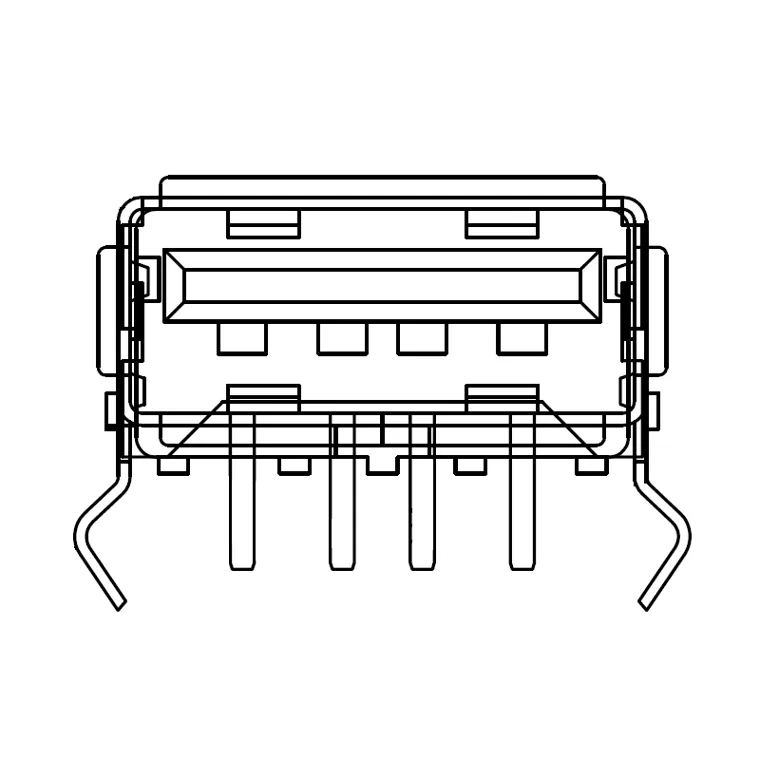 7USB2-F0-0003-IUSB 2.0 90° DIP Right-Angle Connector
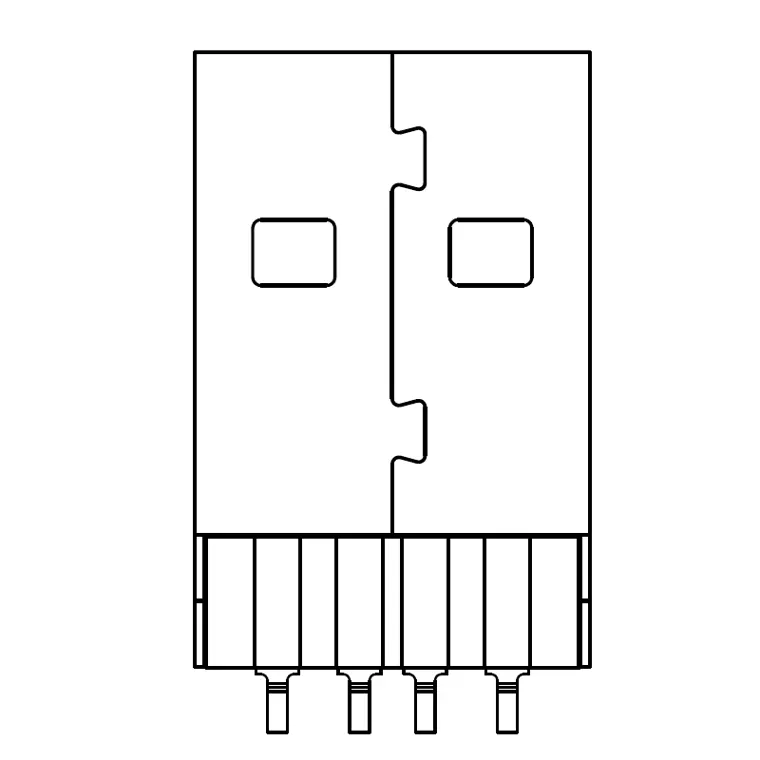 7USB2-F0-0015USB Type-A Male Mid-Mount Connector (No Post)
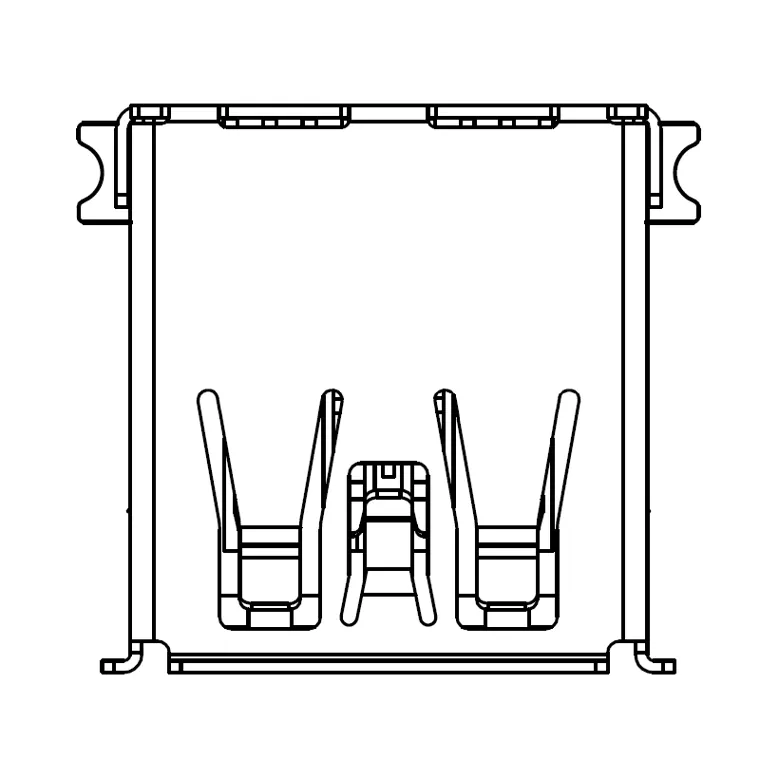 7USB3-F0-0026USB 3.0 Type-A Female SMT Connector (Rolled Edge)
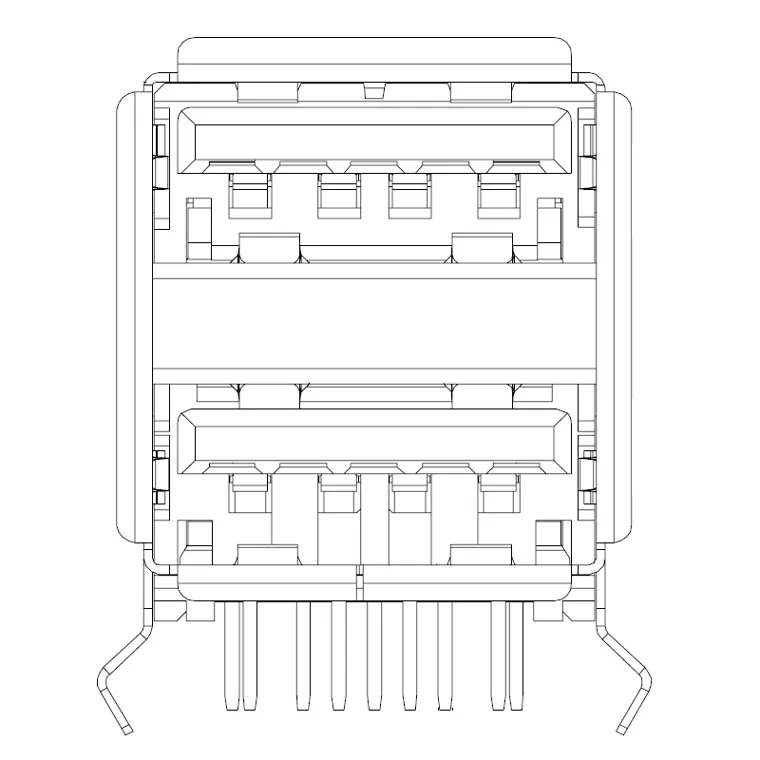 7USB3-F0-2001Dual USB 3.0 Type-A Female 90° Right-Angle DIP Connector (Rolled Edge)
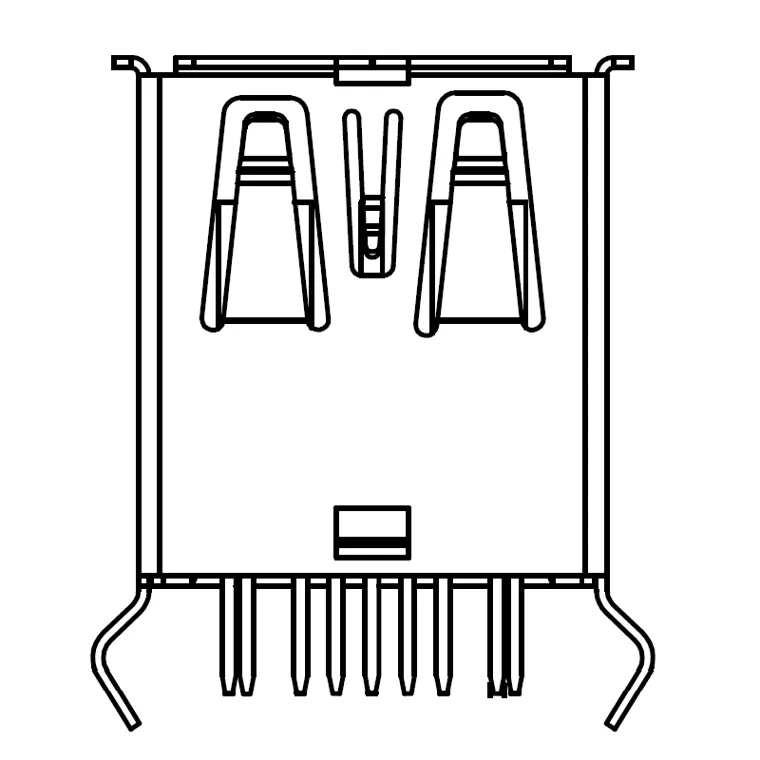 7USB3-F0-0016USB 3.0 Type-A Female 180° DIP Right-Angle Connector, L=14.9mm (Rolled Edge)
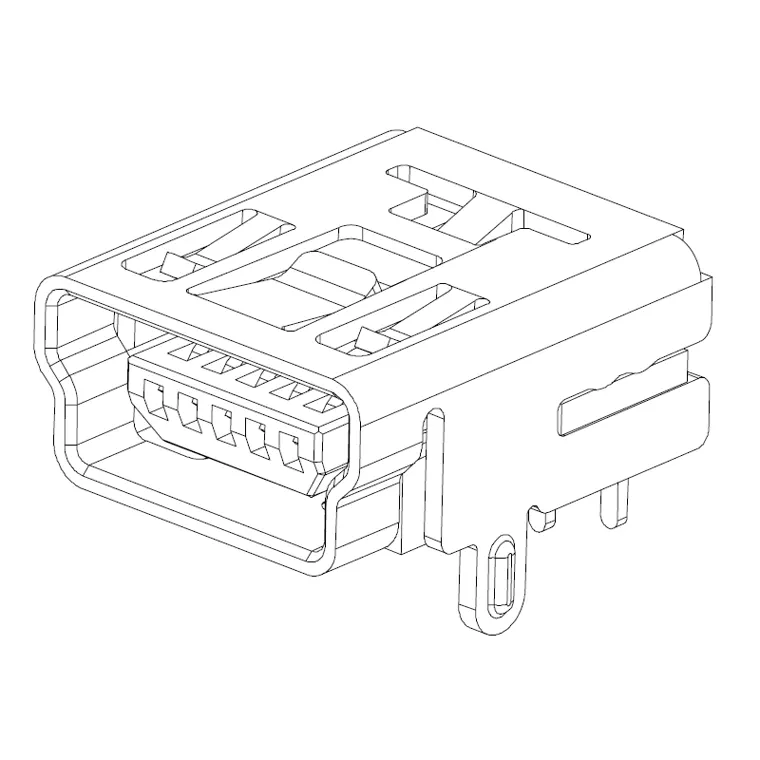 7MNSB-F0-0026Mini USB Type-B 5-Pin DIP Connector
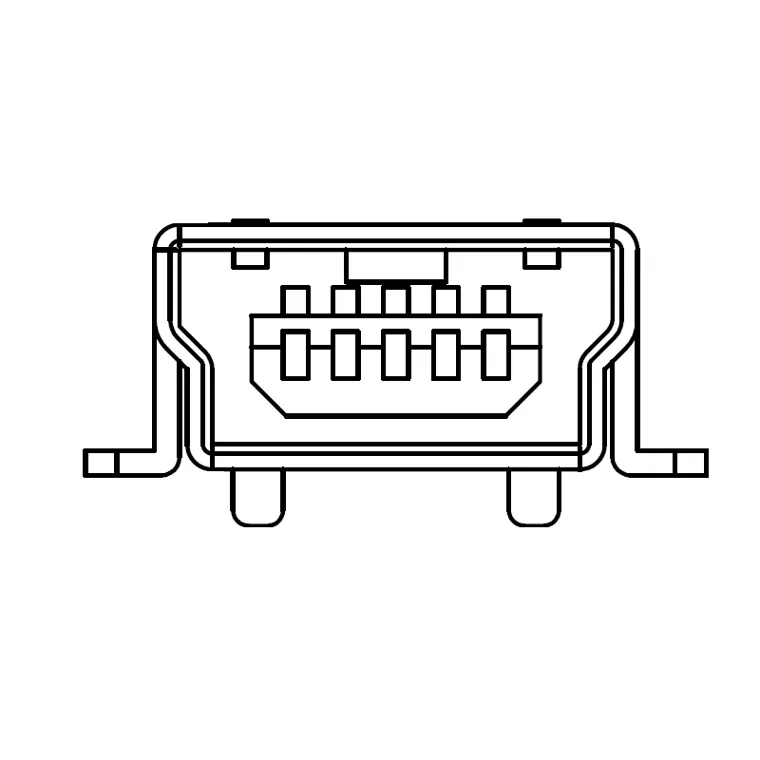 7MNSB-F0-0029Mini USB 5-Pin Female SMT Connector (Type-B, 1.0mm Peg)
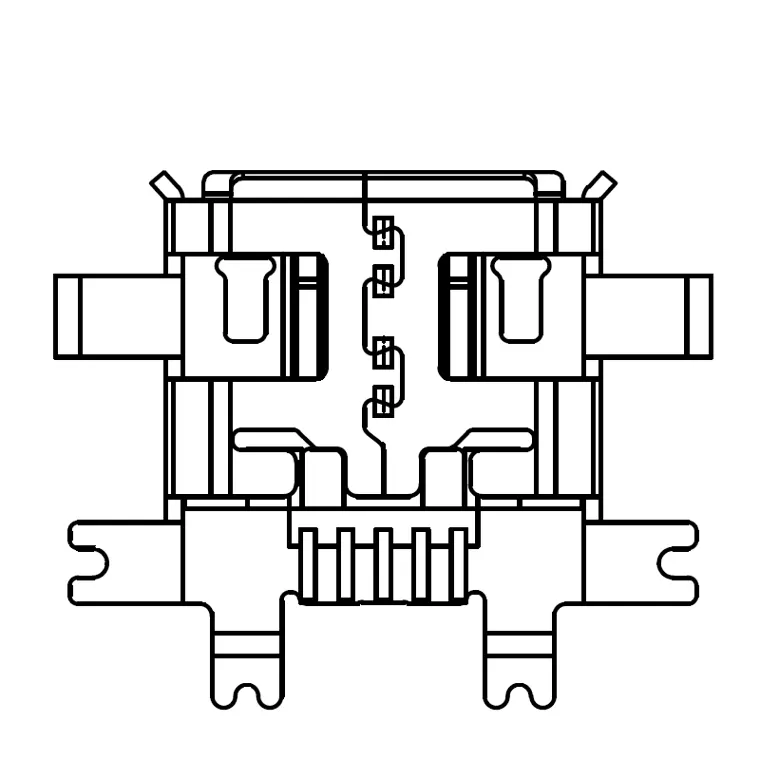 7MCUB-F0-0022Micro USB 5-Pin 6-Pin Mid-Mount Receptacle, Flanged, H=0.75mm
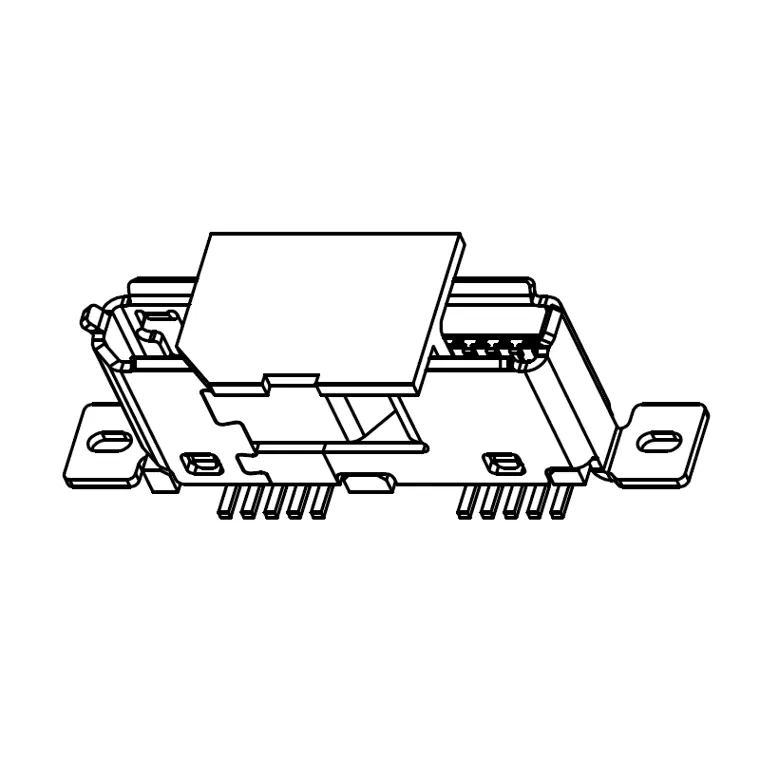 7MCUB-F0-0017Micro USB 3.0 B-Female SMT Vertical Connector, H=5.75mm
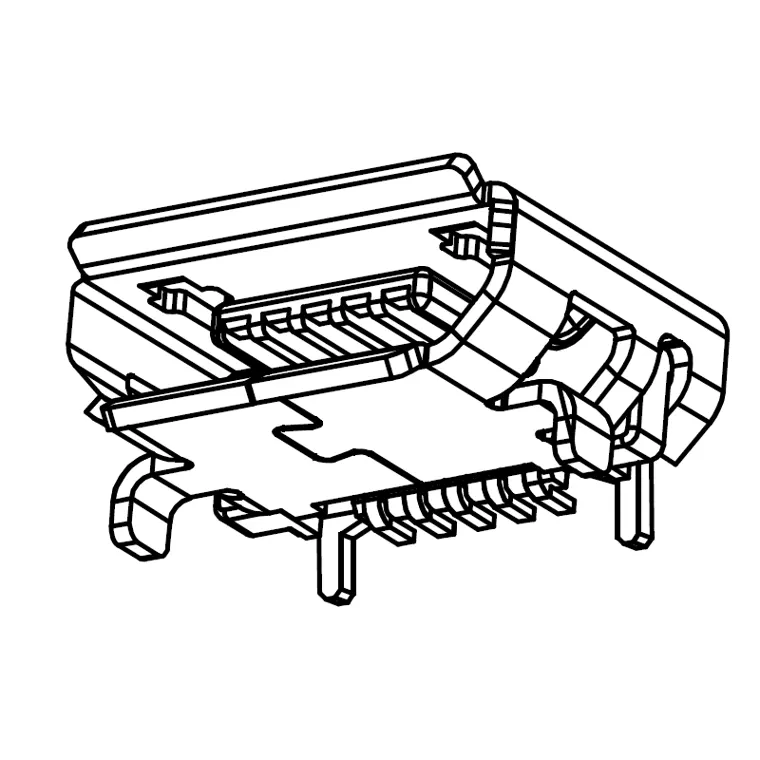 7MCUB-FA-0011MICRO USB 5PIN RECEPTACLE DIP
USB 2.0 and 3.0 Standard-A, Mini-B and Micro-B board-mount parts: vertical SMT, right-angle DIP, mid-mount and dual-port versions.
Materials and RFQ
Housings are high-temperature thermoplastic rated UL94V-0, contacts copper alloy, shells brass or stainless steel, RoHS compliant. Browse USB 2.0, USB 3.0, Mini-B and Micro-B, or send your interface and mount style to service@kingconn.com.tw.