A USB Type-A to Type-B cable has a different plug on each end because USB 2.0 made the shape carry the role: the flat Standard-A end goes to the host, the squarer Standard-B end goes to the device. You cannot plug the cable in backwards, so a host can never be wired to a host. Contact counts, pinouts, plug dimensions and durability ratings on this page are from the USB-IF specifications; KINGCONN figures are from the drawings published on the part pages.
The 5 connector types at a glance
| Connector | Contacts | Plug outline (USB-IF) | Rated cycles |
|---|---|---|---|
| Standard-A | 4 (USB 2.0) / 9 (USB 3.2 Gen 1) | 12.0 × 4.5 mm | 1,500 |
| Standard-B | 4 / 9 | 8.0 × 7.3 mm | 1,500 |
| Mini-B | 5 | 6.8 × 3.0 mm | 5,000 |
| Micro-B | 5 (USB 2.0) / 10 (USB 3.0) | 6.85 × 1.8 mm | 10,000 |
| Type-C | 24 | 8.34 × 2.56 mm | 10,000 |
| Generation | Signalling rate | Connector types that carry it |
|---|---|---|
| USB 2.0 | 480 Mbit/s | A, B, Mini-B, Micro-B, Type-C |
| USB 3.2 Gen 1 (formerly USB 3.0) | 5 Gbit/s | A, B, Micro-B, Type-C |
| USB 3.2 Gen 2 | 10 Gbit/s | A, B, Type-C |
| USB 3.2 Gen 2x2 | 20 Gbit/s | Type-C only |
| USB4 | 40 Gbit/s | Type-C only |
Type-A: the host end
Standard-A is the flat rectangular receptacle on a PC, hub or charger. USB 2.0 Standard-A has 4 contacts: VBUS, D-, D+ and GND. USB 3.2 Gen 1 Standard-A keeps the same outline and adds a row behind it for the SuperSpeed pairs, making 9 contacts — which is why a USB 3.0 port accepts a USB 2.0 plug. The added row is the reason USB 3.0 receptacles are usually moulded in blue, as on 7USB3-F0-2001.
KINGCONN publishes 5 USB 2.0 and 4 USB 3.0 board-mount Standard-A parts, in vertical SMT, right-angle DIP and dual-port versions. 7USB3-F0-0016 is published at 9 contacts.
Type-B: the device end
Standard-B is the tall, near-square receptacle you find on printers, scanners, audio interfaces and lab instruments. It has 4 contacts in USB 2.0 and 9 in USB 3.2 Gen 1, where the housing grows a stepped extension for the added row — so a USB 3.0 Standard-B plug does not fit a USB 2.0 Standard-B socket, although the reverse works.
Standard-B is not part of the KINGCONN board-mount range. It is described here because "USB Type-A to Type-B" is what the cable is called, and because equipment that still uses it is exactly the equipment that also needs the Mini-B and Micro-B parts below.
Mini-B and Micro-B pinout
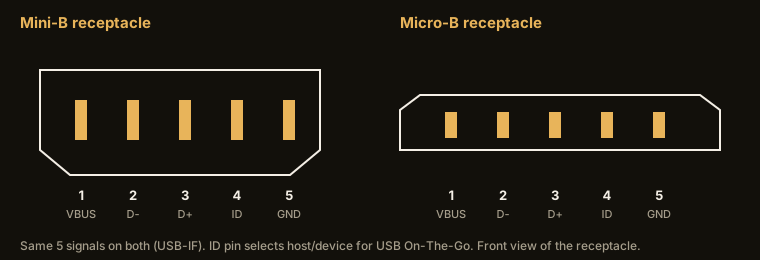
| Pin | Signal | Function |
|---|---|---|
| 1 | VBUS | +5 V supply |
| 2 | D− | data − |
| 3 | D+ | data + |
| 4 | ID | OTG role: grounded = host side, floating = device side |
| 5 | GND | ground |
Mini-B and Micro-B are 5-contact connectors: VBUS, D-, D+, ID and GND. The ID pin is what USB On-The-Go uses to decide which end acts as host: grounded in the plug on the host side, left open on the device side. Micro-B replaced Mini-B because its latch sits in the plug rather than the receptacle, which moves the wear to the cable — the part the user can replace — and raises the rating from 5,000 to 10,000 cycles.
USB 3.0 Micro-B widens the shell and goes to 10 contacts; 7MCUB-F0-0017 is published at 10 contacts with a 5.75 mm mated height and 10,000 mating cycles. KINGCONN lists 5 Mini-B parts at 0.80 mm contact pitch and 8 Micro-B parts with profile heights from 0.75 mm. Mini-B is specified by USB-IF at a 6.8 × 3.0 mm plug outline and Micro-B at 6.85 × 1.8 mm — the Micro-B shell is what lets a phone or module be thinner than the Mini-B era allowed.
Selecting a Mini or Micro receptacle: mounting, retention, height
What fails on these receptacles in the field is rarely electrical; it is mechanical. Side load from the plug goes into the shell solder joints, so start with shell retention: versions with locating bosses and through-hole shell legs resist pull-out far better than all-SMT parts, which save an insertion step but rely on pad area and shell solder for strength. Then read the profile: KINGCONN Micro-B parts publish profiles from 0.75 mm, and the 5.75 mm mated-height part is the USB 3.0 version; durability is published per part at 3,000, 5,000 or 10,000 cycles, and a product the user plugs daily should specify the high class. Finally, top-mount or mid-mount: a mid-mount receptacle sits in a board cut-out so the port is flush with the board edge and the enclosure can be thinner. All of this is on the drawing of each part page.
Type-C: 24 positions, no orientation
The USB Type-C receptacle has 24 positions, arranged as mirrored halves so the plug works either way up. The mirroring is what costs the position count: the pairs, VBUS and GND all appear on each side, plus CC1 and CC2 for orientation detection and power delivery negotiation, and SBU1 and SBU2 for alternate modes. The plug outline is 8.34 × 2.56 mm, smaller than Standard-A and only slightly taller than Micro-B, and the rating is 10,000 cycles.
Not every design needs all 24. KINGCONN publishes Type-C receptacles at 24, 16 and 14 positions: 7USB31-C0-1001 is a 24-position receptacle and 7USB31-F0-0026 a 16-position receptacle. The 16-position versions drop the SuperSpeed pairs and serve charge-and-USB-2.0 products at lower cost and with simpler routing. Contact pitches in the family are 0.50, 0.70 and 0.85 mm, and durability is published at 3,000 to 10,000 mating cycles.
Which receptacle for a new board
Type-C for anything user-facing and new. Micro-B where you are servicing an installed base or shipping into a market with an existing cable. Standard-A when the board is the host. Mini-B when the product line has to stay pin-compatible with equipment already in the field — that is a supply question rather than a design preference, and it is covered in the discontinued-connector guide.
See the USB receptacle selection guide for the selection parameters, the Type-C selection guide for pin count and durability, or the I/O connector overview for the whole range. Send your interface and mount style to service@kingconn.com.tw.
KINGCONN USB receptacles
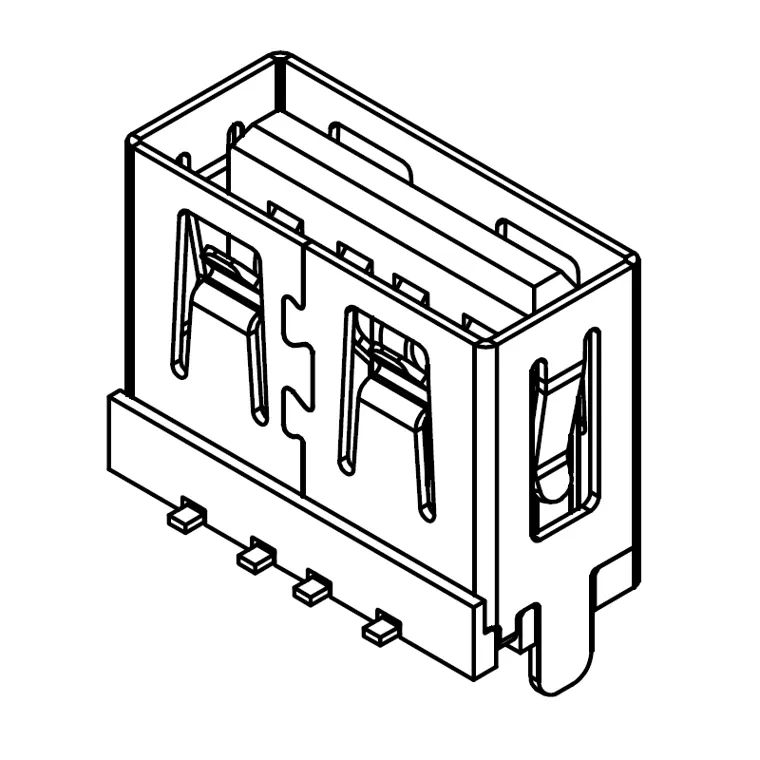 7USB2-F0-0038USB 2.0 Type-A Female Vertical SMT Connector, L=10.0mm (Without Rolled Edge)
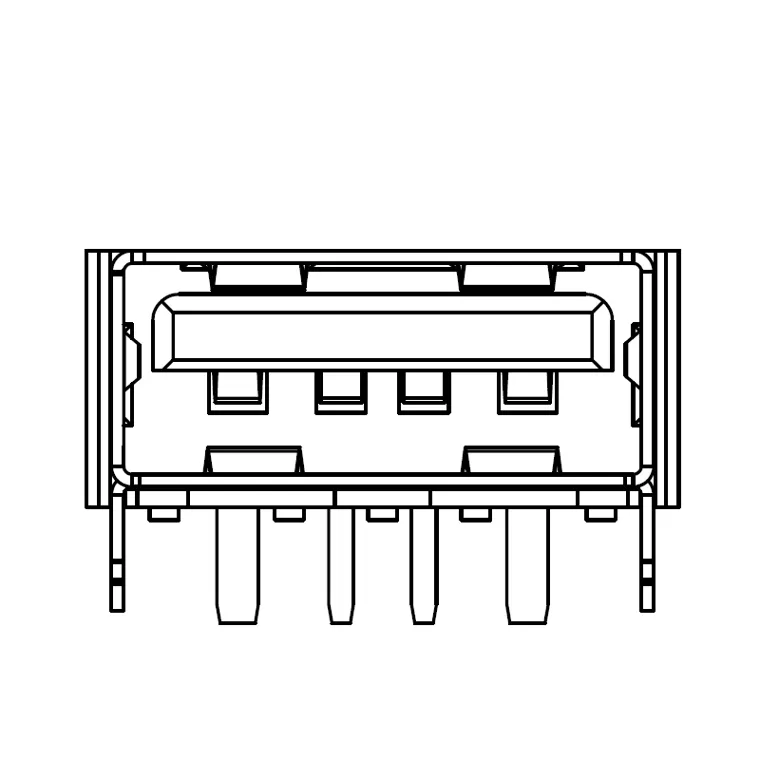 7USB2-F0-A002USB 2.0 Type-A Female Connector, L=10.0mm, H=6.5mm, High Current, Without Rolled Edge
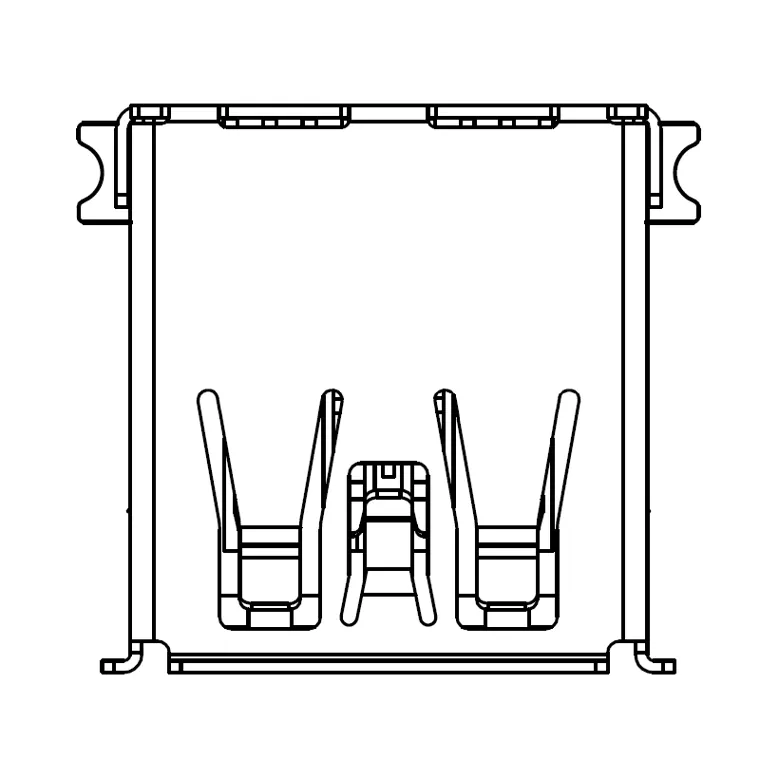 7USB3-F0-0026USB 3.0 Type-A Female SMT Connector (Rolled Edge)
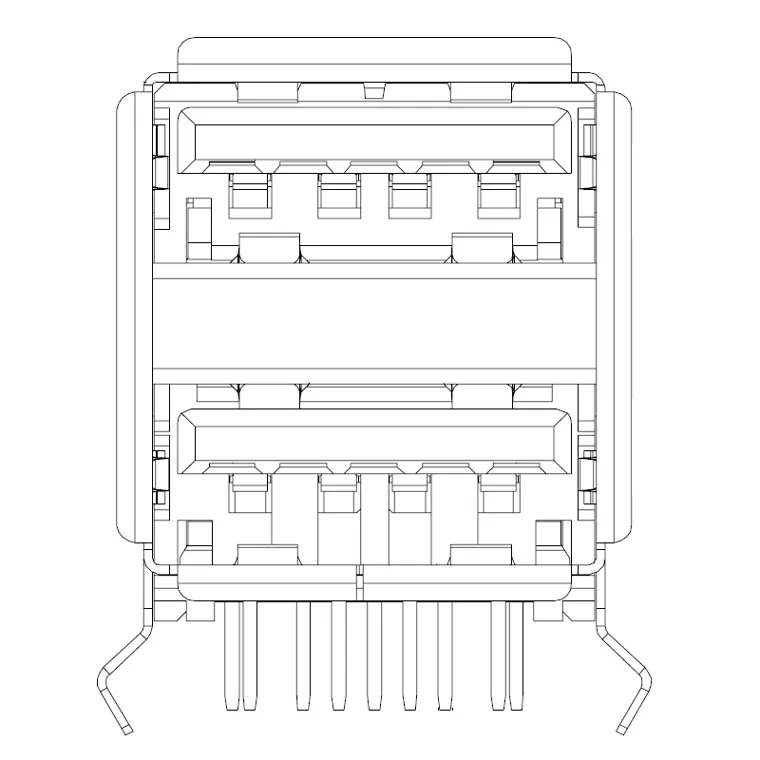 7USB3-F0-2001Dual USB 3.0 Type-A Female 90° Right-Angle DIP Connector (Rolled Edge)
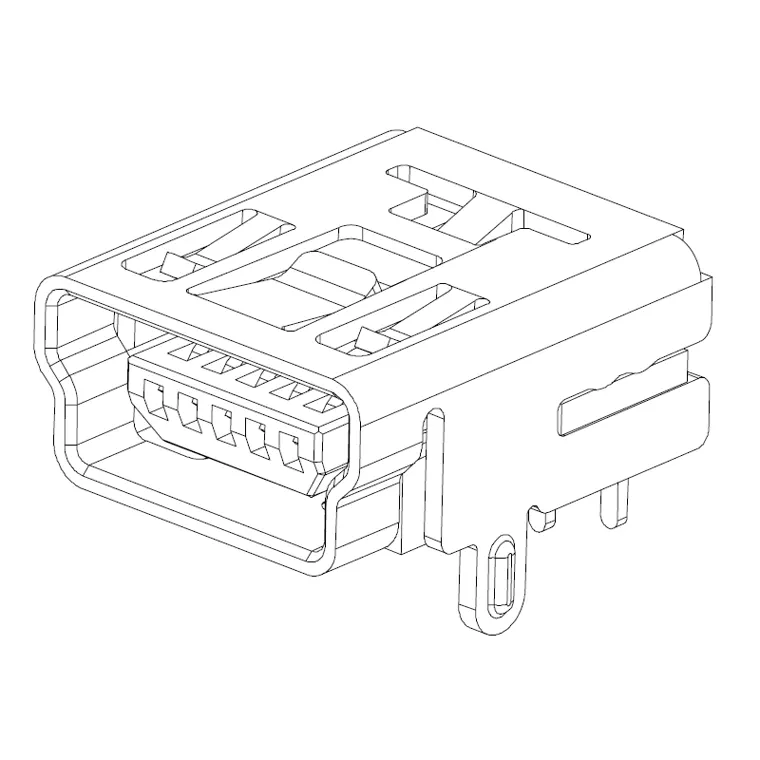 7MNSB-F0-0026Mini USB Type-B 5-Pin DIP Connector
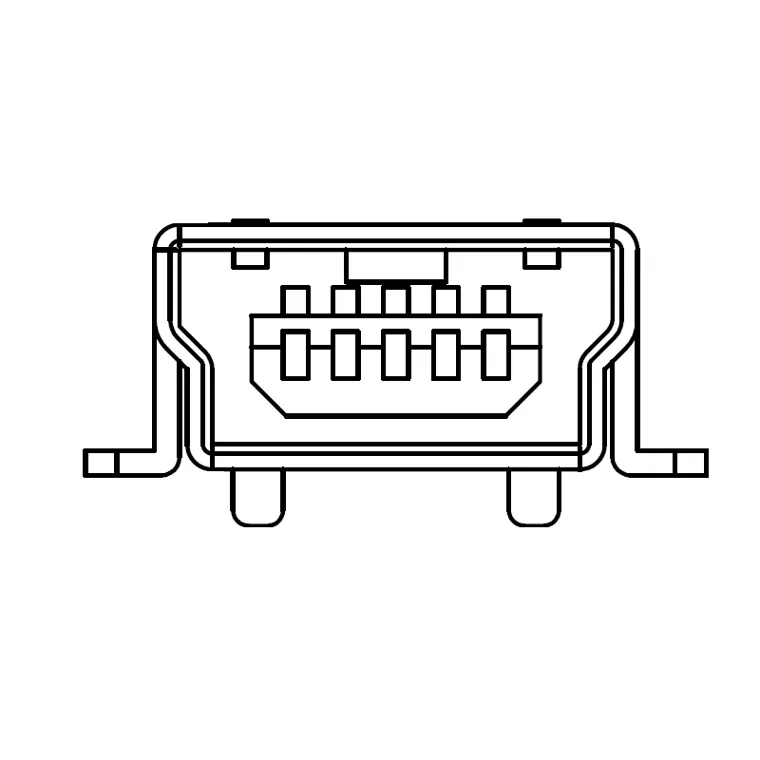 7MNSB-F0-0029Mini USB 5-Pin Female SMT Connector (Type-B, 1.0mm Peg)
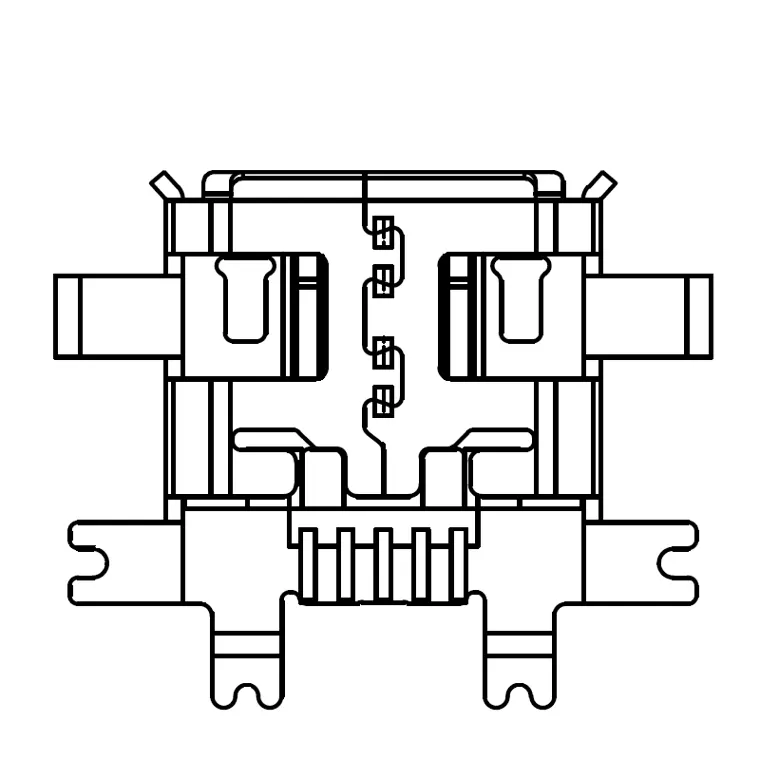 7MCUB-F0-0022Micro USB 5-Pin 6-Pin Mid-Mount Receptacle, Flanged, H=0.75mm
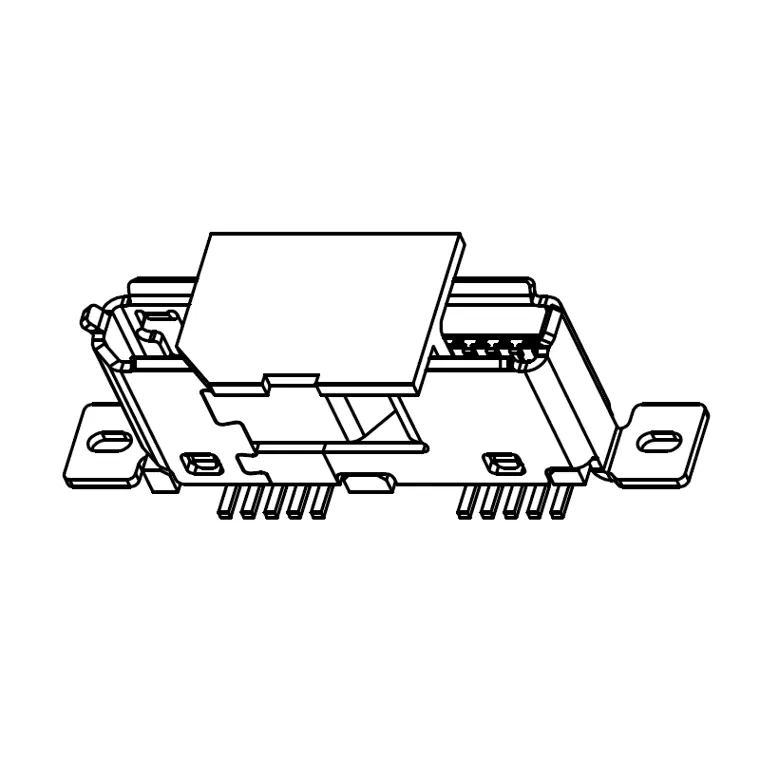 7MCUB-F0-0017Micro USB 3.0 B-Female SMT Vertical Connector, H=5.75mm
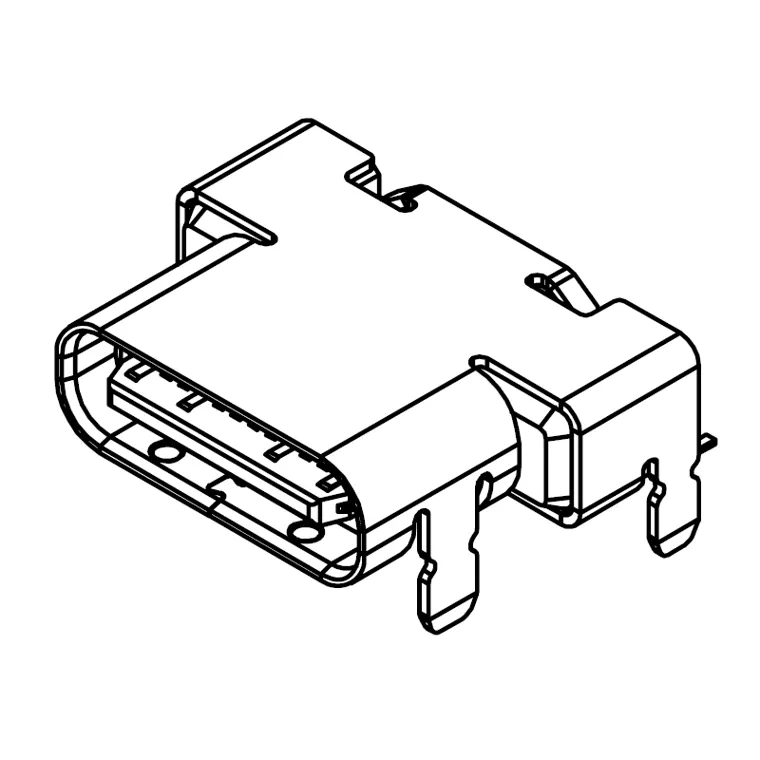 7USB31-C0-1001TYPE C 24PIN 15U FOR 10G
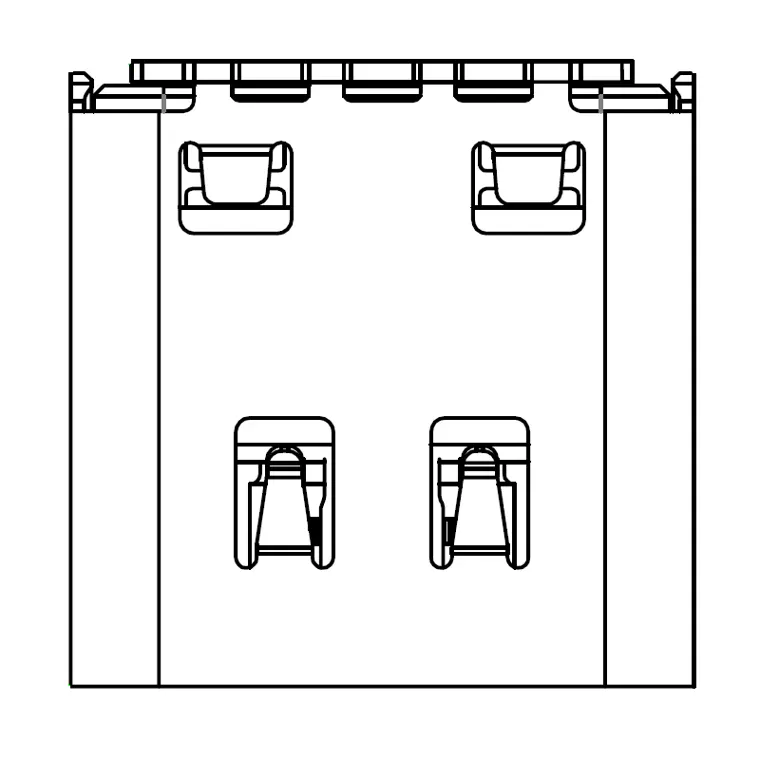 7USB31-F0-0026USB Type-C Dual Row 16-Pin Full DIP Connector
Standard-A in USB 2.0 and 3.0, Mini-B, Micro-B including the 10-contact USB 3.0 version, and 24- and 16-position Type-C.
FAQ
Do Mini USB and Micro USB have the same pinout?
What size is a Mini USB receptacle?
Why are the ends of a USB Type-A to Type-B cable different?
Why does USB 3.0 Micro-B have 10 contacts?
Does a Type-C design need all 24 positions?
Standards referenced:
- USB-IF USB 2.0 and USB 3.2 specifications (receptacle contact counts)
- USB-IF USB Type-C cable and connector specification (24 positions)
- USB-IF Mini-B / Micro-B pin assignment (VBUS, D−, D+, ID, GND) and plug dimensions
- USB-IF durability ratings (Standard-A / B 1,500, Mini-B 5,000, Micro-B and Type-C 10,000 cycles) and data rates